The Watch Tower Blog
Migrating Your Business to AI Without Breaking What Works
A plain guide to migrating a business to AI from spreadsheets, paper and old systems, step by step, with your people and your evidence intact.
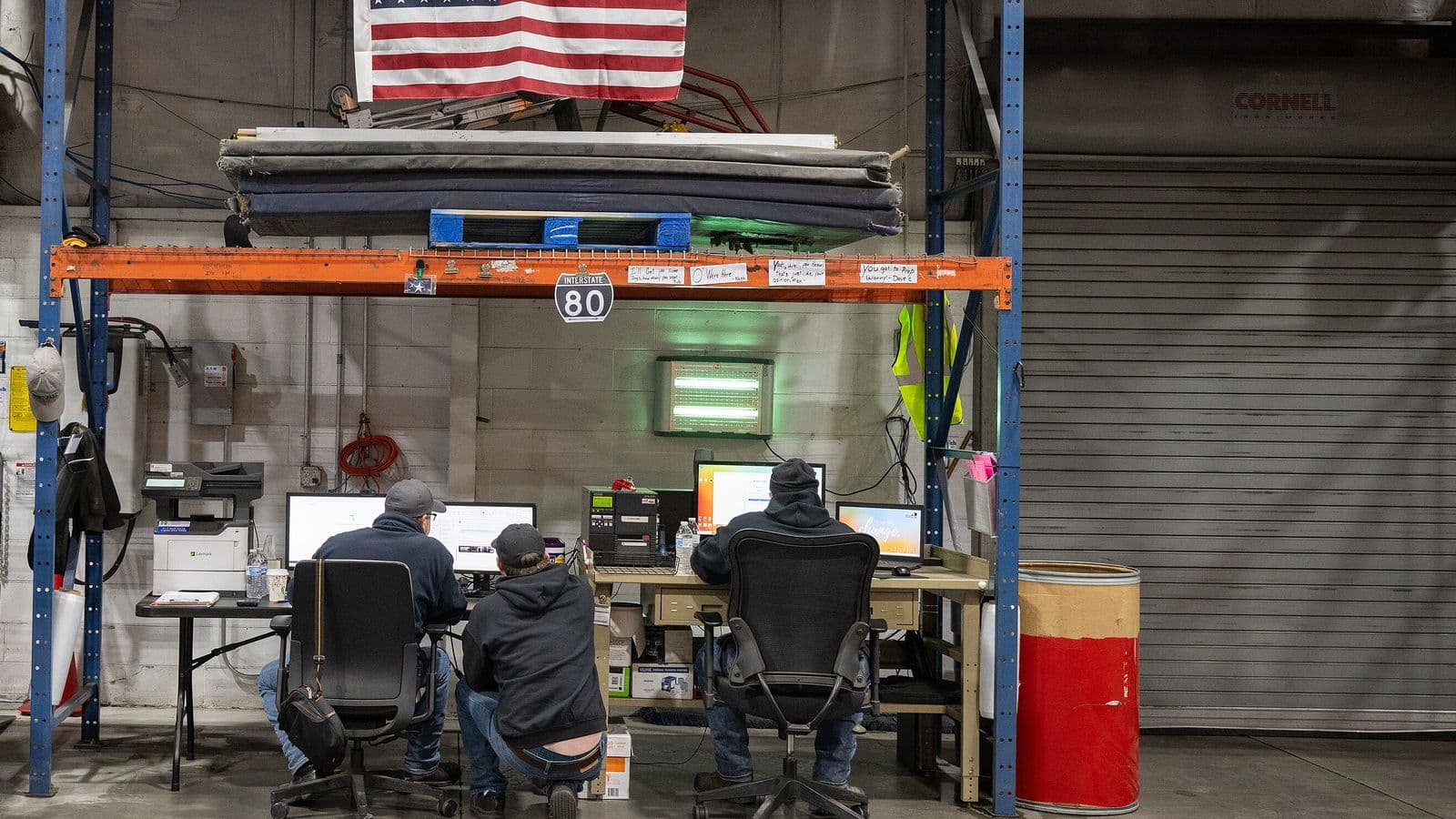
Migrating a business to AI sounds like ripping out everything you have and starting over. It shouldn't be. Your spreadsheets, your paper job folders and that old accounting system carry years of knowledge about how your business actually runs. The goal of a good migration is to move that knowledge into a system designed around AI, one decision at a time, while the business keeps running and nobody loses what already works.
Moving a business from old systems to AI is hard. That's not a reason to avoid it. It's a reason to plan it carefully and carry it out with people who will stay until it holds.
Start with what you want to change, not what you want to replace
The temptation is to begin with the technology: which system do we switch to? Start instead with the first barrier, intent. What do you want to decide better, faster or with more confidence?
Picture a regional distribution company with a dozen trucks, three warehouses and a scheduling spreadsheet only one person fully understands. Its owner doesn't need "AI." She needs to know which customers and routes are worth growing, and she needs that answer without waiting for the one person who knows the spreadsheet to come back from vacation. If stock and suppliers sit at the center of your decisions, as they do for a distributor, AI for supply chain shows how to build that part with the suppliers you already know.
That is a migration goal. It tells you which data matters first, which people to involve and how to know when you're done. Everything else can wait for the next round.
Step 1: Take inventory of what you actually have
Before you move anything, list it. Most businesses are surprised by how many places their knowledge sits.
- Spreadsheets: estimates, schedules, price lists, job logs, maintenance records.
- Paper: signed work orders, inspection sheets, delivery tickets, handwritten notes in the truck.
- Old systems: the accounting package, the dispatch tool, the inventory database somebody set up years ago.
- People: the knowledge that lives only in experienced heads, like which customer always pays late or which machine runs hot in summer.
For each one, note who owns it, how often it changes and how much you trust it. This inventory is not busywork. It is the second barrier, use, in practice: you can't say what AI will do until you know what it has to work with.
Step 2: Turn records into evidence
A spreadsheet cell is just a number. Evidence is a number with a source, a period, an owner and a level of confidence. The difference matters, because AI built on numbers nobody can trace produces answers nobody should trust.
In Watch Tower, the Vulcan engine is the ontology: it holds the people, assets, processes and evidence of an organization as connected objects. When you migrate a maintenance log into that structure, each record is tied to the machine it describes, the site it sits on and the person who recorded it. A question about that machine can then be answered with its evidence attached.
This step is also where you find the gaps. Some numbers have no clear source. Some periods are missing. Mark them honestly. A migration that hides weak evidence just moves the problem into a nicer-looking screen.

Step 3: Design the new system around the decision
AI without a system is a demo. Designing a system around AI is different from designing it the old way, and it's the part most migrations skip.
The old way asks: where do we store the data? The AI-first way asks: who needs which answer, when, and how will they check it? In Watch Tower, the Console is the one place where leaders see the business, its evidence and its decisions. Bifrost, the insights assistant, answers questions about the workspace and cites what it used, so the owner of that distribution company can ask which routes lost money last quarter and see exactly which records the answer came from.
Read more about this approach in AI-first system design.
Step 4: Run old and new side by side
Don't switch off the spreadsheet on day one. Run the old way and the new system in parallel for a set period. Make the same decision both ways and compare.
- Pick a decision that comes up on a regular schedule, like the weekly route plan or the monthly bid review.
- Make it the usual way, and record the answer.
- Make it with the new system, and record that answer too.
- Where the two differ, find out why. Sometimes the old method knew something the new system doesn't yet. Sometimes the new system caught something the old way missed.
- When the team trusts the new answers, retire the old step, and only that step.
Running in parallel is slower than a hard cutover. It is also how you keep the business safe while it changes, and it gives your team time to build trust in the new answers on their own terms.
Step 5: Put people first
Every migration is really a people project. The estimator who built the spreadsheet, the dispatcher who knows every driver, the office manager who files the paper: they are the ones who will make the new system work or quietly route around it.
That is the third and fourth barriers at once. Ecosystem: are people like me using this? Capability: how do I use it and who do I call? The crossing is the same for both. Build with the people who do the work. Teach the new system in plain language on their own jobs. Choose a few tools and drop the rest, so nobody is juggling six new apps. And stay reachable, because the first weeks bring a steady stream of small questions.
Watch Tower's Toolkits, shared with Forge, help here, because each tool shows the assumptions behind its numbers. People accept a change more readily when they can see how the answer was reached.
Step 6: Set governance before you widen access
As more people use the new system, questions about access come up fast. Who can see payroll? Who can change a price list? Who approved that update?
In Watch Tower, Nimbus handles governance and release: who can see what, why, and a record of every change. Set those rules while the group is small. It is much harder to add control after everyone already has access to everything.
Keep what works
Not everything needs to move. A paper checklist that a crew uses every morning and never gets wrong may be fine as it is, as long as the result is captured somewhere the system can see. A migration is not a contest to retire the most tools. It is a way to make better decisions with the knowledge you already have.
Move the decision, not the clutter. Keep the habits that already work.
The fifth barrier, consistency, decides whether the migration lasts. Plan the weekly review where the team uses the new system together. Name an owner for each source of evidence. Follow up after the first month, and again after the first quarter.

Your next step
Write down the one decision you'd most like to move off the spreadsheet. Then list every place the evidence for it currently sits. That short list is the start of your migration plan.
For the full rollout that follows, read our AI implementation plan for your company. To see the kind of output a first decision produces, look at the sample decision brief, which uses fictional sample data. When you're ready, talk with us about your move. We plan it with you, carry it out with your people and stay until it holds.
Frequently asked questions
How do you move a business from spreadsheets to AI?
Migrate one decision at a time, not the whole business at once. List where your knowledge sits in spreadsheets, paper, old systems and people, turn the records behind that decision into evidence with a source and owner, then run the old way and the new system side by side until the team trusts the new answers.
Do I have to replace my legacy systems to use AI?
No, migrating a business to AI doesn't mean ripping out everything you have. Not everything needs to move. A paper checklist a crew uses every morning without errors can stay, as long as its result is captured where the system can see it. Retire an old step only once the team trusts the new answers.
Should you run old and new systems in parallel when moving to AI?
Yes, running old and new side by side keeps the business safe while it changes. You make the same decision both ways, compare the answers and find out why they differ. Sometimes the old method knew something the new system doesn't yet, and sometimes the new system caught what the old way missed.
When should you set access rules for business data in an AI system?
Set governance rules before you widen access, while the group using the system is still small. Decide who can see sensitive numbers like payroll, who can change key records and who approves an update. It is much harder to add control after everyone already has access to everything.


.jpg)
