The Watch Tower Blog
AI Implementation in Your Company: A Phased Plan That Holds
Searching "AI implementation in my company"? Here is a phased plan, from the first decision to daily use, that owners and operators can follow.

"How do I start AI implementation in my company?" is the question a lot of owners type late at night, after a week of hearing that everyone else has already figured it out. Most haven't. Plenty of companies bought licenses, sent a memo and watched nothing change. The goal of this post is simpler and more useful: a phased plan you can follow, where each phase ends with something your team can see, check and use.
The plan rests on one idea. Implementation is more than paying for AI and asking people to use it. It is Applied Intelligence: AI put to work inside a system, with a team behind it, until it pays off every day.
Phase 1: Pick one decision that matters
Start with your goal, not the technology. The first barrier is intent: why do you need AI at all? The honest answer is never "because competitors have it." It is a decision you make often, that costs real money when it goes wrong, and that you currently make with incomplete information.
Good first decisions sound like this:
- Which jobs should we bid on next quarter, and which should we pass on?
- Where are we losing margin between the estimate and the final invoice?
- Which equipment needs attention before it fails on a job site?
- Which customers are drifting away, and what would bring them back?
Write the decision down in one sentence. Name the person who owns it. Name what a better decision would look like six months from now. That sentence is your north star for everything that follows. If a tool, report or workshop doesn't help that decision, it waits. If you're an owner still choosing which decision comes first, AI for my business covers where to start.
Phase 2: Map the people, assets, processes and evidence
The second barrier is use: what exactly would AI do here? You can't answer that until you can see how the decision gets made today. So map it.
- People: who touches the decision, who supplies the numbers and who lives with the result.
- Assets: the trucks, machines, sites, inventory or contracts the decision depends on.
- Processes: the steps between a question and an answer, including the ones that exist only in someone's head.
- Evidence: the spreadsheets, exports, invoices and notes that back each number, and how much you trust each one.
This is the work that Watch Tower's Vulcan engine is built for. Vulcan is the ontology: it holds the people, assets, processes and evidence of an organization as connected objects, so the map isn't a drawing that goes stale in a folder. When something changes, you can see what it touches.
Mapping usually turns up surprises. A number everyone quotes turns out to come from one person's spreadsheet. A step everyone assumes is happening isn't. Those surprises are the point. You are learning where the evidence is strong and where it is a guess, before you ask AI to work with it.
Phase 3: Design the system before you choose tools
AI without a system is a demo. A system designed around AI is not the old process with a chatbot bolted on. It answers different questions: where are the facts kept, who can see them, who signs off on a change and what happens next week when the numbers move?
In Watch Tower, that system is the Console: one place where leaders see the business, its evidence and its decisions. Around it sit two engines that matter for a sound rollout:
- Bifrost, the insights assistant, answers questions about your workspace and cites what it used. If your operations lead asks why margin dipped on a job type, the answer comes with its sources, so she can check it instead of taking it on faith. Our guide to AI business intelligence explains why cited answers are what make people act.
- Nimbus handles governance and release: who can see what, why, and a record of every change. That is how you let more people in without losing control of sensitive numbers.
Design the system around the decision from Phase 1. Decide which evidence feeds it, who reviews it and when the team looks at it together. Only then is it time to talk about tools.
Phase 4: Choose a few tools and drop the rest
The fourth barrier is capability: how do I use it, what do I install and who do I call? This is where most rollouts stall, because there are too many apps and nobody to ask.
Curation is the fix. Choose the few tools that fit the system you designed and say no to the rest, at least for now. Each tool should have a clear job tied to the decision. If you can't say in one line what a tool does for that decision, leave it out.
Watch Tower's Toolkits, shared with Forge, give each team practical tools for the work in front of them, with the assumptions behind every number shown. That matters on a crew or in an office: people trust a number they can question.
Phase 5: Train the people who do the work
The third barrier, ecosystem, asks: are people like me using this, and is it working? Your team answers that question for each other. If the estimator next to you uses the new view every morning and it saves her an afternoon, you will try it too.
So train in small groups, on real work, in plain language. Skip the general AI seminar. Sit with the people who make the decision from Phase 1 and walk through it in the Console, with their own numbers. Build with the people who do the work, not around them. They know where the evidence is thin, and they will tell you when a screen doesn't match how the job really runs.
Keep someone reachable. The first weeks produce a steady stream of small questions. A plan that has no one to answer them quietly turns into a plan nobody follows.

Phase 6: Measure against the baseline
Before you change anything, record how the decision is made today and what it produces. That is your baseline. After the rollout, compare against it with the same definitions, the same sources and the same periods.
Measure two things:
- The decision itself. Did the bids, the maintenance calls or the customer follow-ups improve against the baseline you recorded?
- The habit. Are people opening the Console every week and using it to make the call, or only when someone reminds them?
Be honest about what you see. If a number moved but the evidence behind it is weak, say so. A plan that reports only good news stops being trusted.
Phase 7: Follow up until it holds
The last barrier is consistency: will this still be useful next week? A tool used once and dropped has failed, however impressive the first demo looked.
Design the return path before you launch. Set a regular review where the team looks at the decision together in the Console. Assign an owner for each source of evidence. Revisit the map from Phase 2 when people, assets or processes change. Then pick the next decision and run the plan again, faster this time, because the map and the system are already in place.
The rollout ends when the decision runs on the system every week, not when the software is installed.
Where to start this week
You don't need a big program to begin. You need one decision, written down, with an owner. Everything in this plan grows from that sentence.
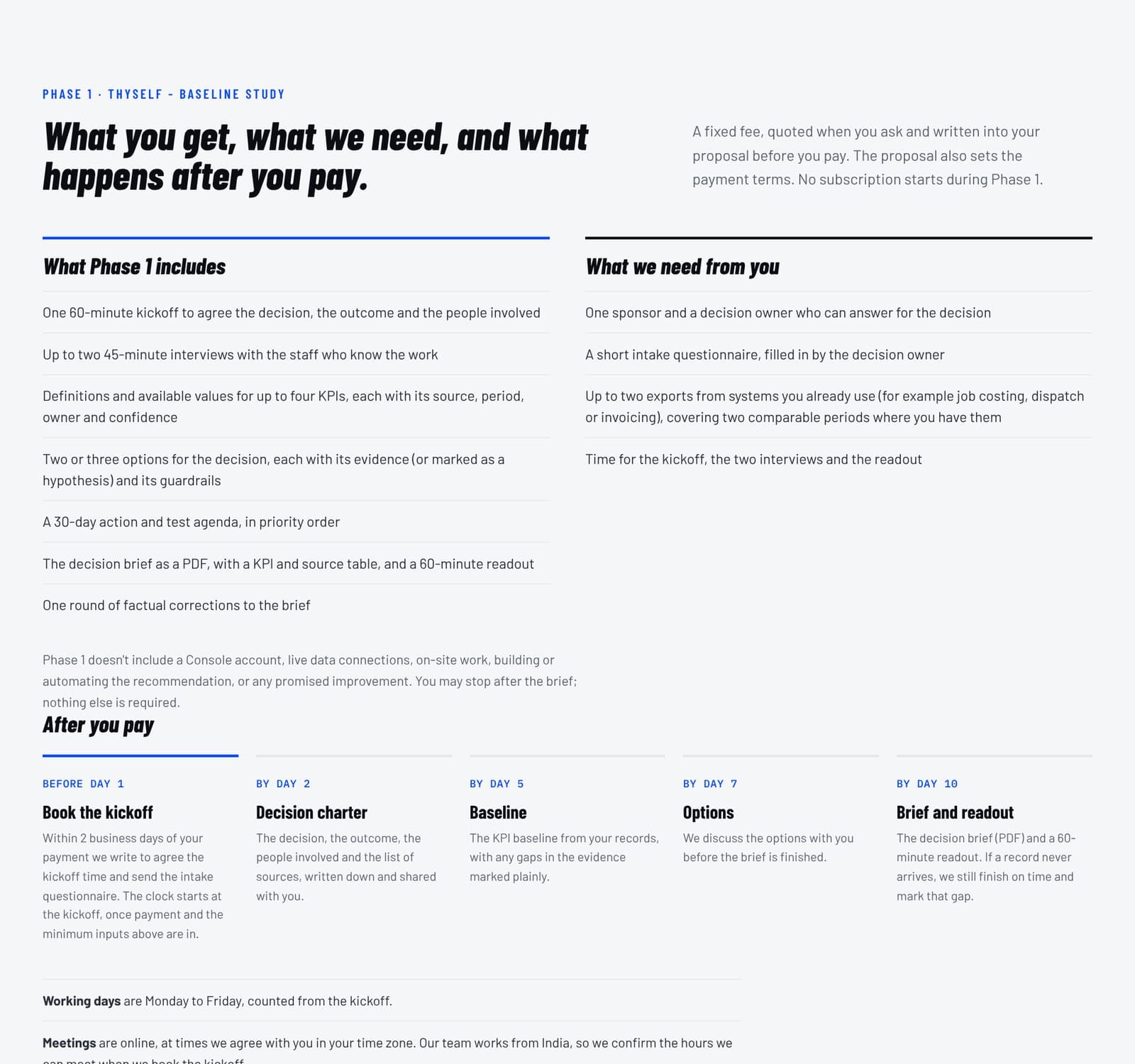
If you'd like to see what the output looks like, read our sample decision brief, built on fictional sample data. For the steps right before this plan, read how to choose an AI implementation partner, and if your company still runs on spreadsheets and paper, start with migrating your business to AI.
When you're ready, bring us your decision. We will map it with you, design the system around it and stay until your team uses it every week.
Frequently asked questions
What are the steps to implement AI in a company?
A sound AI implementation has seven steps: pick one decision that matters, map the people, assets, processes and evidence behind it, design the system, choose a few tools, train the people who do the work, measure against a baseline and follow up until it holds. Each phase ends with something your team can see, check and use.
Should you choose AI tools before you design the system?
No, design the system first and choose tools second. Decide which evidence feeds the decision, who reviews it and when the team looks at it together. Then pick the few tools that fit that design, and leave out any tool whose job for the decision you can't state in one line.
How do you measure the success of an AI rollout?
Measure against a baseline you record before anything changes, using the same definitions, sources and periods. Track two things: whether the decision itself improved, such as bids or maintenance calls, and whether people open the system every week to make the call without being reminded. Report weak evidence honestly.
When is an AI rollout plan finished?
An AI rollout is finished when the decision runs on the system every week, not when the software is installed. Before launch, design the return path: a regular review in the Console, an owner for each source of evidence, and a habit of revisiting the map when people, assets or processes change.

.jpg)
.jpg)